Daily social media account checks are easy to underestimate.
Checking one account takes a minute. Checking dozens of accounts can take a morning.
The work is repetitive: open the app, confirm the account is logged in, check whether content loads, look for messages or alerts, confirm scheduled posts, record problems, move to the next account.
Nothing about this is intellectually difficult. That is exactly why it should not consume so much human time.
What teams usually search for
Operators rarely start by searching for “AI cloud phone automation.”
They search for specific pain:
- “check many TikTok accounts”
- “social media account daily check”
- “cloud phone for multiple accounts”
- “how to know if account logged out”
- “batch check app accounts”
These are concrete questions. A good automation article should answer them directly.
The daily check checklist
A basic social account check may include:
- Is the account still logged in?
- Does the app reach the home screen?
- Does the feed or content page load?
- Are there warning messages?
- Did the last post publish successfully?
- Are comments or messages blocked by a prompt?
- Is the device stuck on a permission or update screen?
The key is not just running these checks. The key is turning the result into a list the team can act on.
Manual checking breaks when account count grows
With five accounts, manual checking is annoying but manageable.
With 50 accounts, the process changes:
- People miss accounts.
- Notes become inconsistent.
- Failed states are discovered late.
- Operators spend time confirming normal accounts.
- Real problems get mixed with small popups.
The hidden cost is that most accounts are probably fine. People spend most of their time proving that nothing happened.
Turn account checks into a cloud phone task
A better workflow is to define a repeatable check:
- Start the target cloud phone group.
- Open the target app.
- Detect whether the account is on the expected page.
- Perform a small browsing or status check.
- Record the result.
- Classify failures.
- Send only abnormal accounts to human review.
This is where cloud phones are useful. Each account can run in its own Android environment, and the team can manage groups by platform, market, or task type.
The hard part is not the normal account
Normal accounts are easy.
The hard part is the account that is almost normal but not quite:
- It loads slowly.
- It shows an update prompt.
- It asks for a permission.
- It logs out after the first screen.
- It shows a warning that should not be skipped.
This is why automation needs exception awareness. If every abnormal screen becomes the same “failed” status, the operator still has to do manual diagnosis.
How AI changes the work
AI can help identify patterns in failure states.
Instead of making an operator inspect 30 failed devices one by one, the system can group them:
- permission popup;
- login expired;
- network loading;
- app update prompt;
- needs human review.
That kind of classification makes the next action obvious.
How QCCBot fits
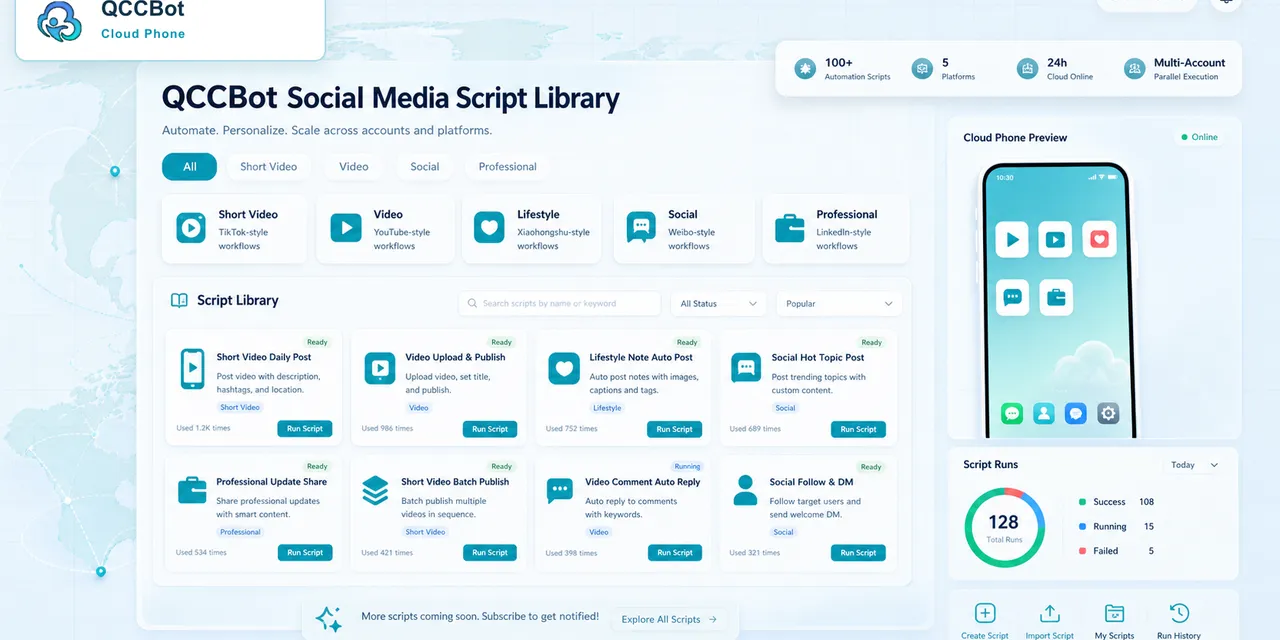
QCCBot supports Android cloud phones, script execution, AI script generation, task logs, and AI-assisted exception handling.
For social media teams, the practical value is simple: run daily checks across account groups, detect stuck tasks, and focus human time on accounts that actually need judgment.
If your team checks many social accounts every day, QCCBot can help turn that repetitive work into an AI cloud phone workflow.
A more practical way to think about mobile account status and login exceptions
The useful question is not whether mobile account status and login exceptions can be automated in theory. The useful question is whether the work can be made repeatable, visible, and easy to recover when something changes.
For operations teams that manage repeated Android app work, that usually means three things:
- the task has to be broken into clear steps;
- the result has to be visible without opening every cloud phone;
- common failures need a planned response instead of a last-minute manual check.
A thin automation flow only describes the happy path. A usable workflow describes what happens when the app loads slowly, the account is not in the expected state, or the screen shows a prompt that was not there yesterday.
What to check before scaling the task
Before running the task across a large device group, test it like an operator would use it on a busy day.
Ask these questions:
- Can a new teammate understand what the task is supposed to do?
- Is there a clear success state?
- Is there a clear failure state?
- Does the system record where the task stopped?
- Can safe failures be retried without creating account risk?
- Are sensitive failures separated for human review?
If the answer is unclear, the workflow is not ready for scale yet. Scaling unclear automation usually creates more checking work, not less.
A small example
Suppose a team wants to run mobile account status and login exceptions across a group of cloud phones every morning. A weak setup says: run the script and see whether it passes. A stronger setup says: run the script, record each stage, classify the reason if it stops, and show the operator only the devices that need attention.
That difference matters. Operators do not need another list of failed tasks. They need a list that says what kind of failure happened and what should happen next.
A simple operating checklist
Use this checklist before turning the task into a daily workflow:
- Start with one cloud phone and confirm the task manually.
- Run the first script on a small group, not the whole fleet.
- Record the most common exceptions during testing.
- Decide which exceptions are safe for automatic recovery.
- Decide which exceptions must be reviewed by a person.
- Add task logs before increasing device count.
- Review failed tasks by category, not one by one.
If this sounds like the kind of mobile work your team deals with, QCCBot can help you test the workflow on cloud phones and decide what should be automated first.